
MemoryTrap
How it worksSupportContact
Download on the App Store

Capture anything.
Remember everything.

Turn screenshots, notes, slides, and anything worth remembering into flashcards you can actually study.
Download on the App StoreSee how it works ↓
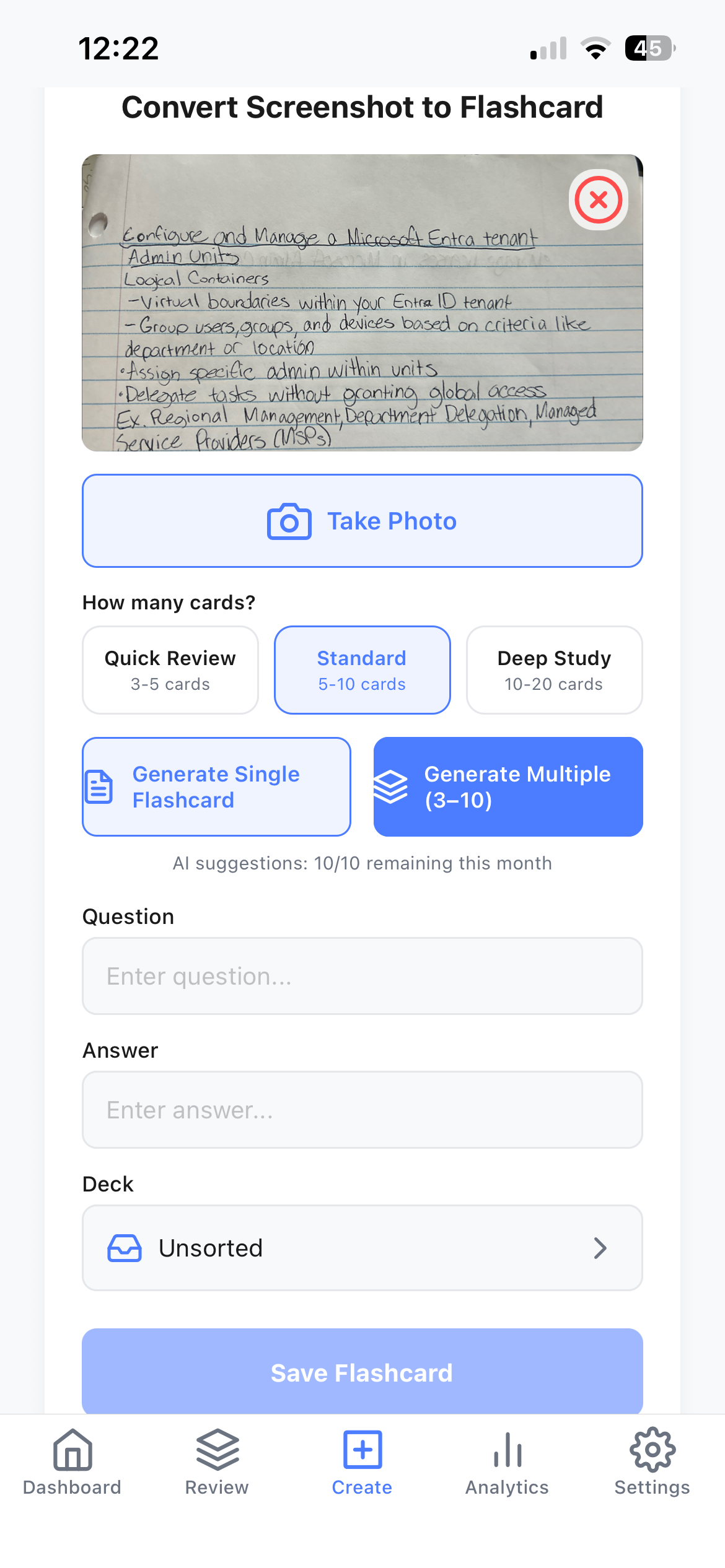
MemoryTrap screen for converting a captured screenshot into flashcards, showing generation options
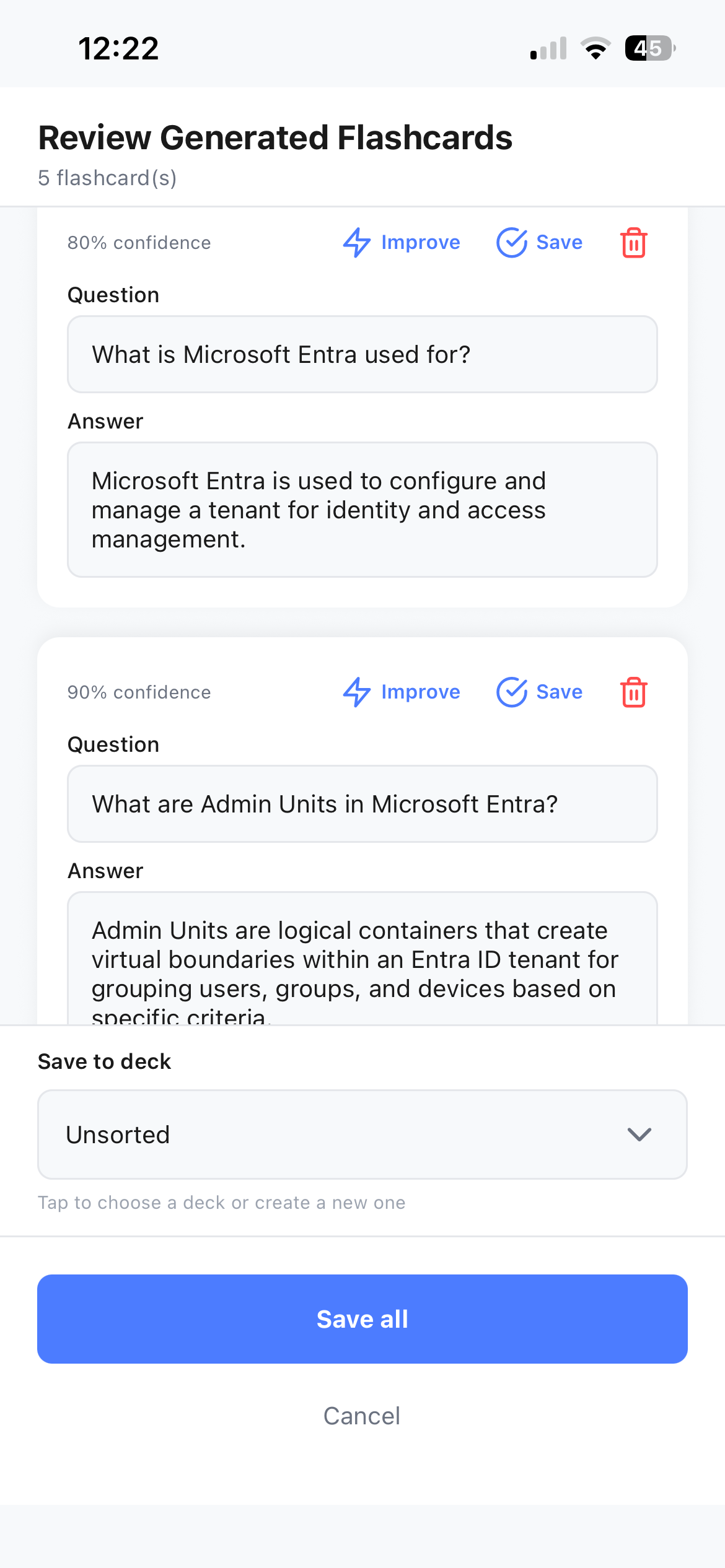
MemoryTrap screen showing AI-generated flashcards ready to review and save

You already save things
you want to remember.

Lecture slides. Notes. Diagrams. Articles. Things you look up. Things you know you'll need later.

Saving it isn't the same as learning it.

MemoryTrap turns the information you capture into something you can come back to, study, and remember.
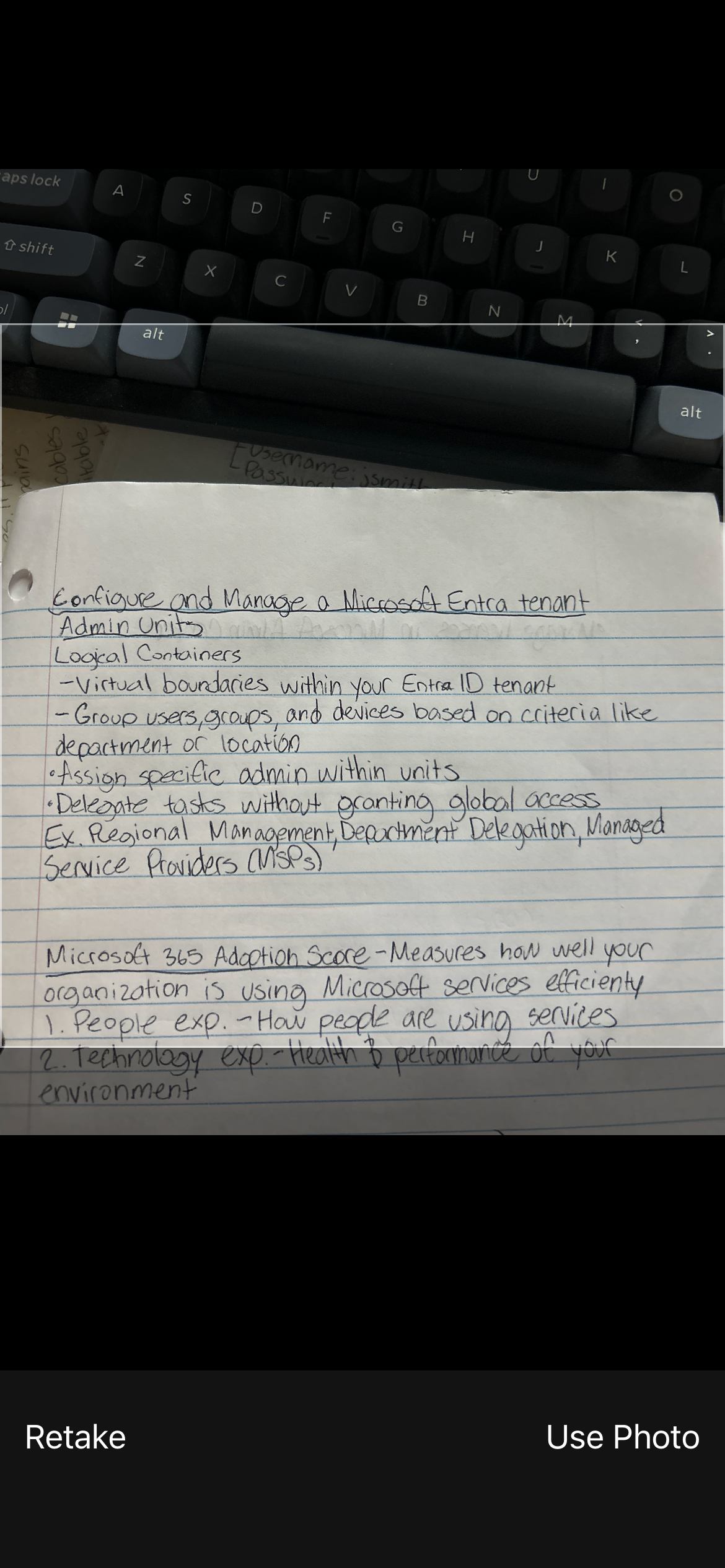
MemoryTrap screen for using a captured photo of handwritten notes to create a flashcard

From screenshot to study-ready
flashcards.

Capture what matters. Let MemoryTrap turn it into structured flashcards. Then start learning.

01 — Capture
MemoryTrap screen for using a captured photo of handwritten notes

Start with a screenshot or image worth remembering.
02 — Convert
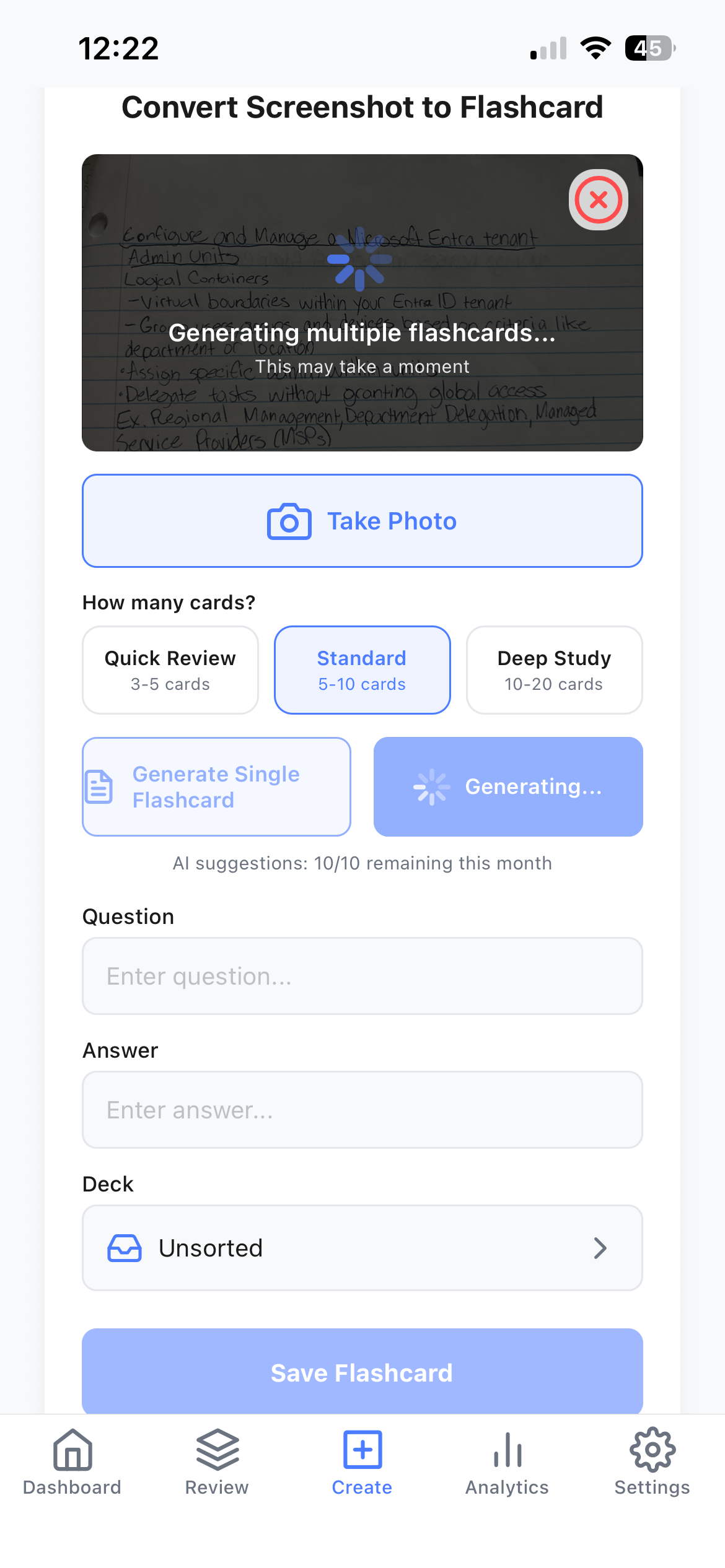
MemoryTrap screen generating multiple flashcards from a captured photo

Choose how deeply you want to learn it and let MemoryTrap build the cards.

03 — Learn
MemoryTrap screen showing generated flashcards ready to review and save

Review the generated flashcards and save what matters.

01 — Capture
MemoryTrap screen for using a captured photo of handwritten notes

Start with a screenshot or image worth remembering.

02 — Convert
MemoryTrap screen generating multiple flashcards from a captured photo

Choose how deeply you want to learn it and let MemoryTrap build the cards.

03 — Learn
MemoryTrap screen showing generated flashcards ready to review and save

Review the generated flashcards and save what matters.

See MemoryTrap in action.

From something worth remembering to something you can actually study.

Generating flashcards isn't the finish line. Learning them is.

Making the cards is only
the beginning.

MemoryTrap brings what you've captured back when it's time to study.
Choose
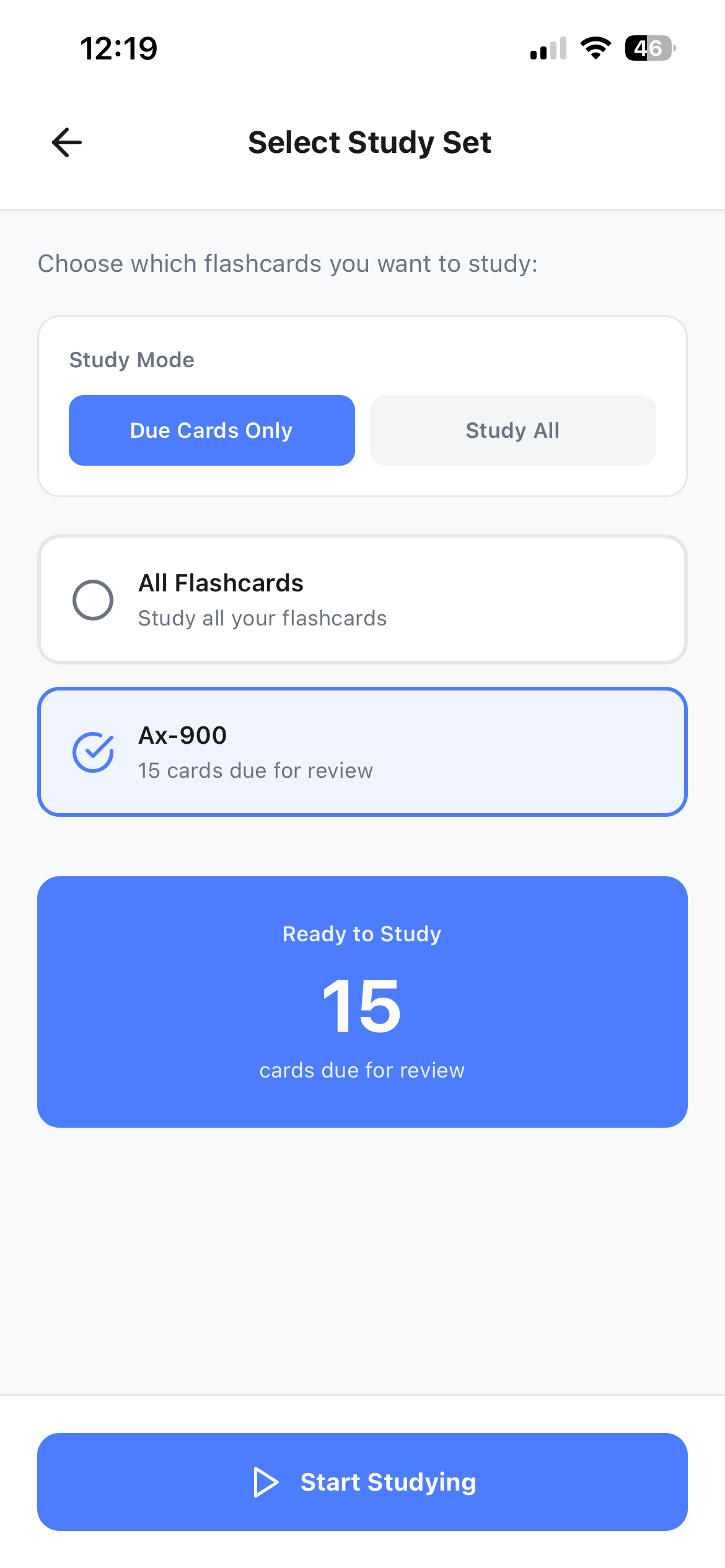
MemoryTrap Select Study Set screen showing study mode options and a deck ready to study

Pick a deck and choose what to study.
Recall
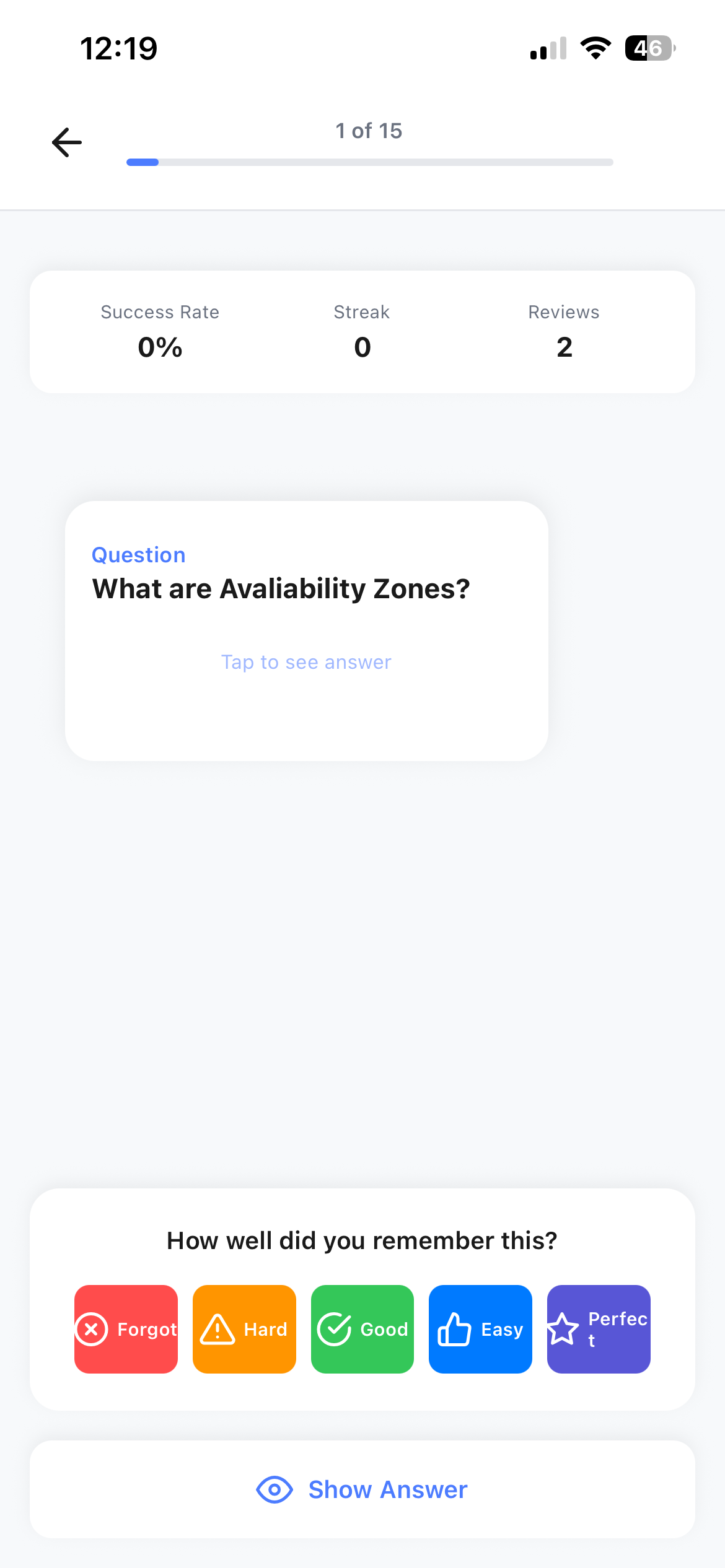
MemoryTrap study session showing a flashcard question with 'Tap to see answer'
Reveal
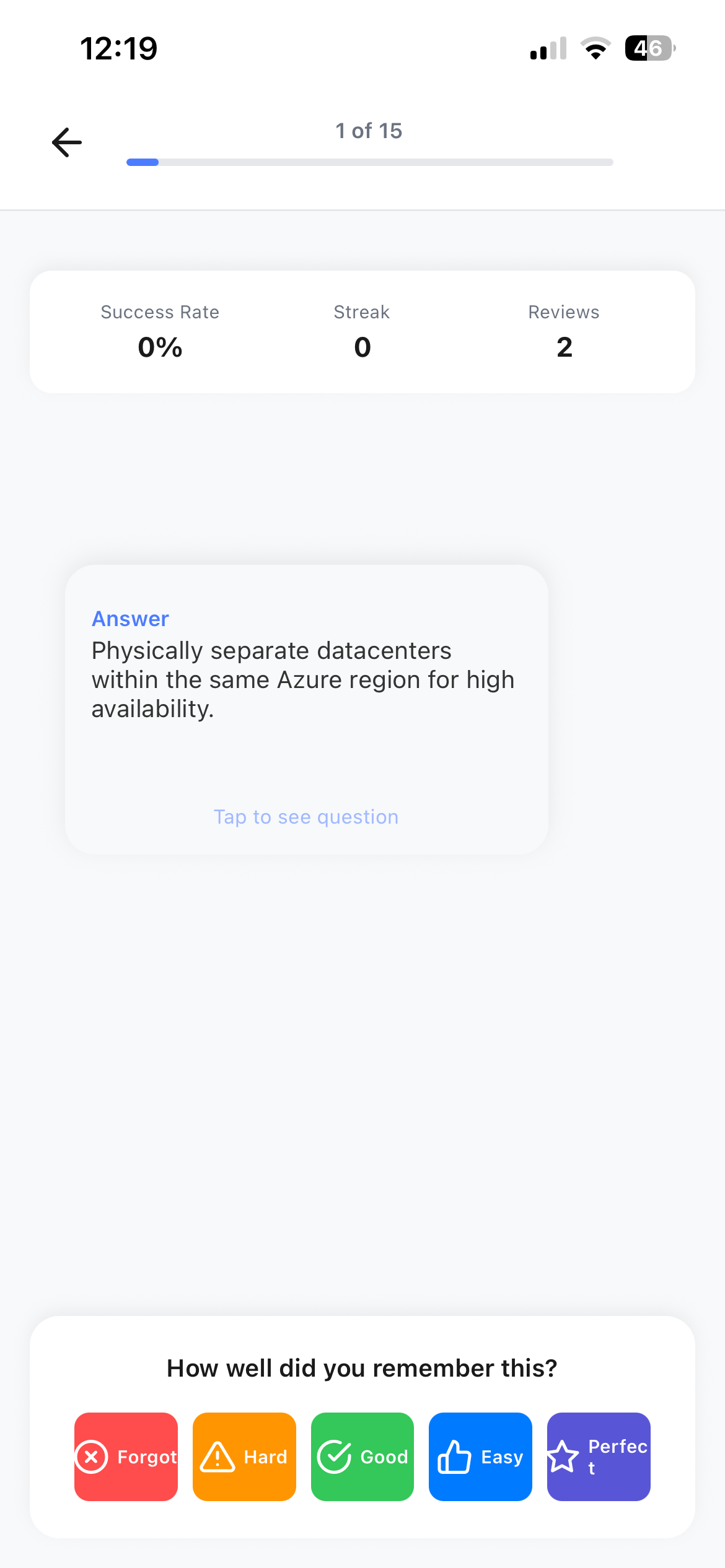
MemoryTrap study session showing the revealed answer and recall-rating buttons

Think it through before you reveal the answer — that's active recall.

Complete
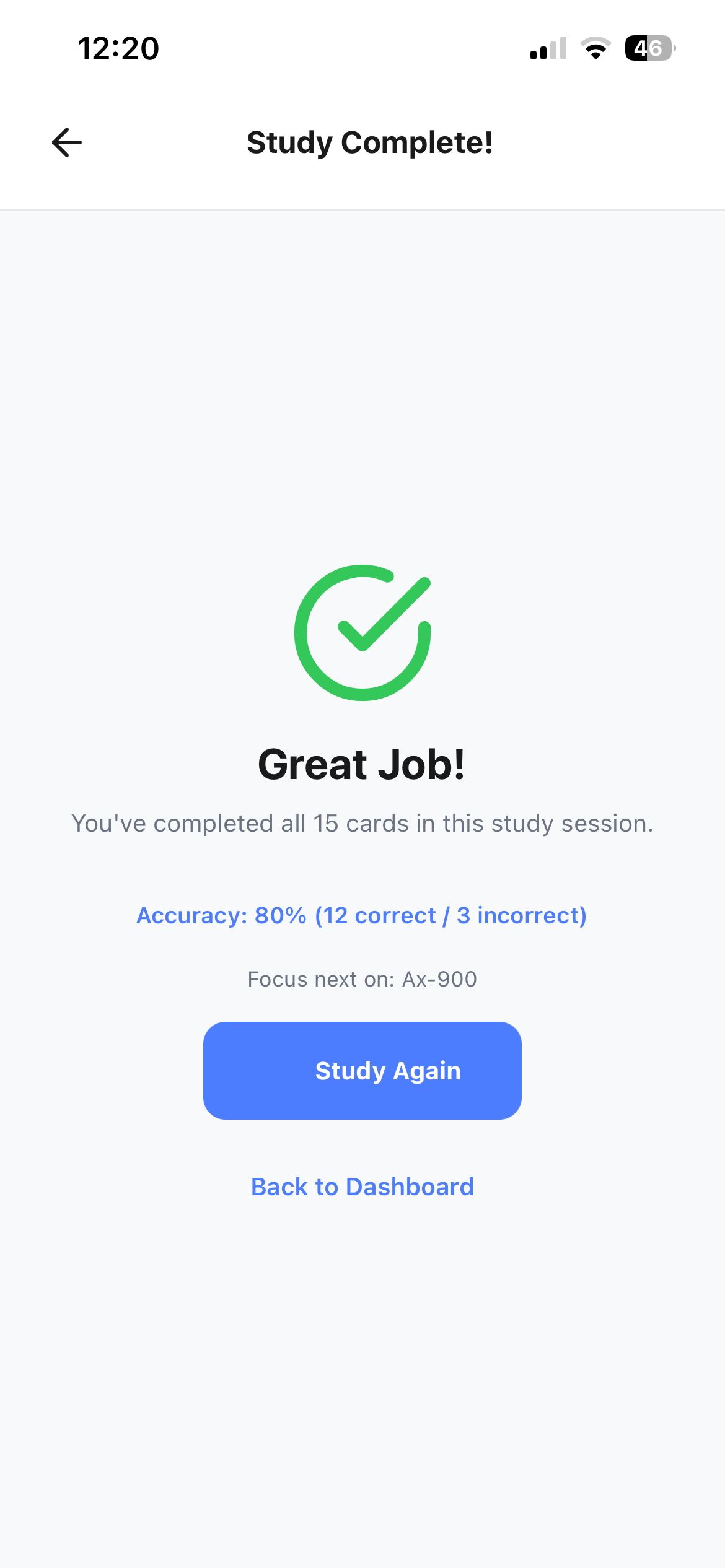
MemoryTrap Study Complete screen showing accuracy and a prompt to study again

See how you did, then study again.

Choose
MemoryTrap Select Study Set screen showing study mode options and a deck ready to study

Pick a deck and choose what to study.

Recall
MemoryTrap study session showing a flashcard question with 'Tap to see answer'

Think it through before you reveal the answer.
Reveal
MemoryTrap study session showing the revealed answer and recall-rating buttons

That's active recall — not just re-reading.
Complete
MemoryTrap Study Complete screen showing accuracy and a prompt to study again

See how you did, then study again.

Everything you learn,
in one place.

Organize what you capture into decks and see your learning build over time.

Organize

Keep what you're learning organized into decks you can return to anytime.

MemoryTrap Decks screen listing a deck named Ax-900 with 15 cards
MemoryTrap Review Deck screen showing a flashcard question with Edit, Move, and Delete actions
Track

See your study activity and progress as you keep learning.

MemoryTrap Analytics screen showing study totals, accuracy, study streak, and review progress charts
From the App Store

“The screenshot to flash card is great for me to make flashcards quickly off my anatomy notes.”

Great app for quick flashcards — Shon_30, Mar 28

Whatever you're learning,
MemoryTrap it.

Turn the information that matters to you into something you can actually study.

  • College & school

    Turn lecture slides, class notes, diagrams, and study material into flashcards.

  • Certifications

    Turn technical notes, screenshots, documentation, and practice material into reviewable cards.

  • Languages

    Capture vocabulary, phrases, grammar examples, and material you want to practice.

  • Books & articles

    Turn ideas worth remembering into cards you can revisit.

  • Career & professional learning

    Capture concepts, processes, tools, and information you need to retain.
Capture anything.
Remember everything.

Turn what you want to remember into flashcards you can actually study.

Download on the App StoreWatch the demo again
MemoryTrap

Capture anything. Remember everything. MemoryTrap turns what you capture into flashcards you can actually study.

  • Support
  • Contact
  • Privacy Policy
  • Terms of Service
Download on the App Store

© 2026 MemoryTrap. All rights reserved.